


Featured image: Google.
Google announced new Gemini tools for small business owners on October 20, including a dedicated business landing page, brand-style features and financial-data analysis. The company says the rollout will begin globally over the coming days for Gemini app users.
The announcement puts routine business work at the center of the Gemini app: organizing marketing tasks, working with connected services and making business records easier to interpret. For US owners, the immediate question is which features appear in their account and whether those features improve a real, repeatable task.
What Google Announced
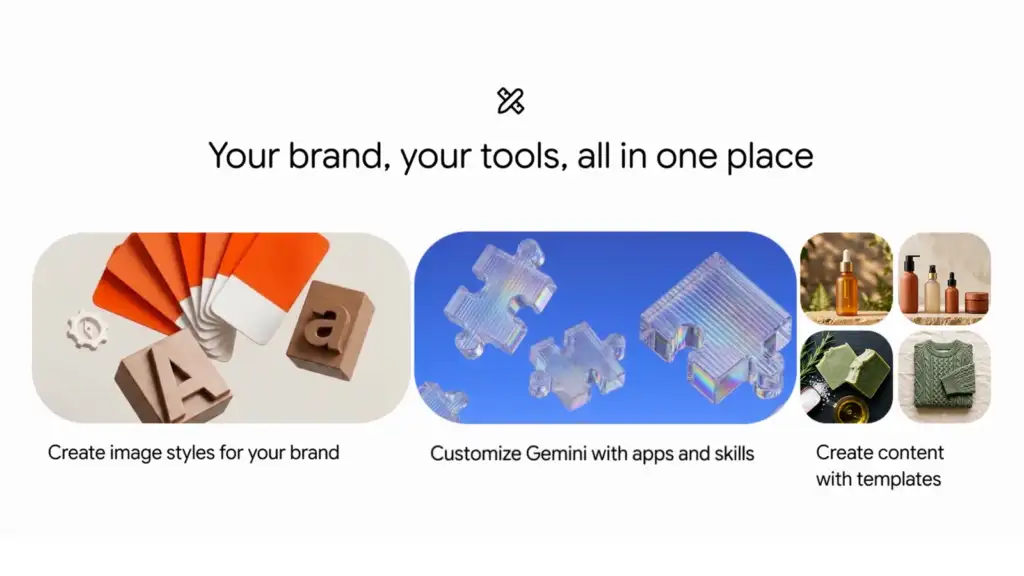
According to Google’s announcement, the business hub brings together branding, finance and customer insights. Connected services named in the post include Google Business Profile, Ads and Workspace, alongside Canva, Shopify, Wix, Adobe, Dropbox, Zoho and Xero.
Google says owners can supply a website or brand materials so Gemini retains a visual style for later image creation. It also describes converting spreadsheets, receipts and purchase records into financial graphics and interactive models.
Why This Matters for Small Businesses
Tea Buster’s take: the useful opportunity is continuity. A business owner should judge whether a tool can carry the same approved brand information from one task to the next, rather than judging it solely on an impressive first image. Less repeated setup can be valuable, but only if the resulting work remains accurate and usable.
Consider a small retailer preparing a seasonal promotion. A sensible pilot would use an approved product description, a current offer and a defined visual style. The owner could compare the resulting draft with the existing workflow, recording the time spent correcting prices, text and design. That would reveal more about practical value than generating a large volume of assets without review.
Connected-app lists also need careful interpretation. A service being named in an announcement does not, by itself, tell an owner which actions will be available in a particular account, what permissions are requested or which plan limits apply. Check the actual connection screen and applicable service terms before changing an established workflow.
What Owners Should Check Before Using It
Availability: A rollout over several days is different from an immediate launch in every account. Confirm what is visible in your own Gemini app before planning work around it.
Output quality: For a marketing task, check product appearance, spelling, prices, promotional dates and brand consistency. Treat the output as a draft until those details have been reviewed.
Business records: Start with a limited, appropriate sample when assessing analysis features. Reconcile any generated chart with the original records. A clear-looking graphic is not evidence that every input has been categorized or calculated correctly.
Permissions and cost: Review the information a connection can access and check the current terms of the services involved. Do not assume that connecting an app makes all of its paid features available.
Rollout Timing and What Remains Unclear
Google’s post does not give a precise activation time for each US account. It also directs larger organizations that need centralized administration and governance toward its separate business offering.
Tea Buster has not tested the newly announced business hub. This report covers the announcement and its practical implications; it does not establish independent performance results. We will assess specific capabilities against their actual availability rather than assume that every task described can be completed in every account.
Related Reading
For more AI coverage, see our AI Updates section. Owners planning a content workflow can also read our creator setup buying guide.


